NeoStack AI is Here
The most complete AI integration for Unreal Engine — available now.
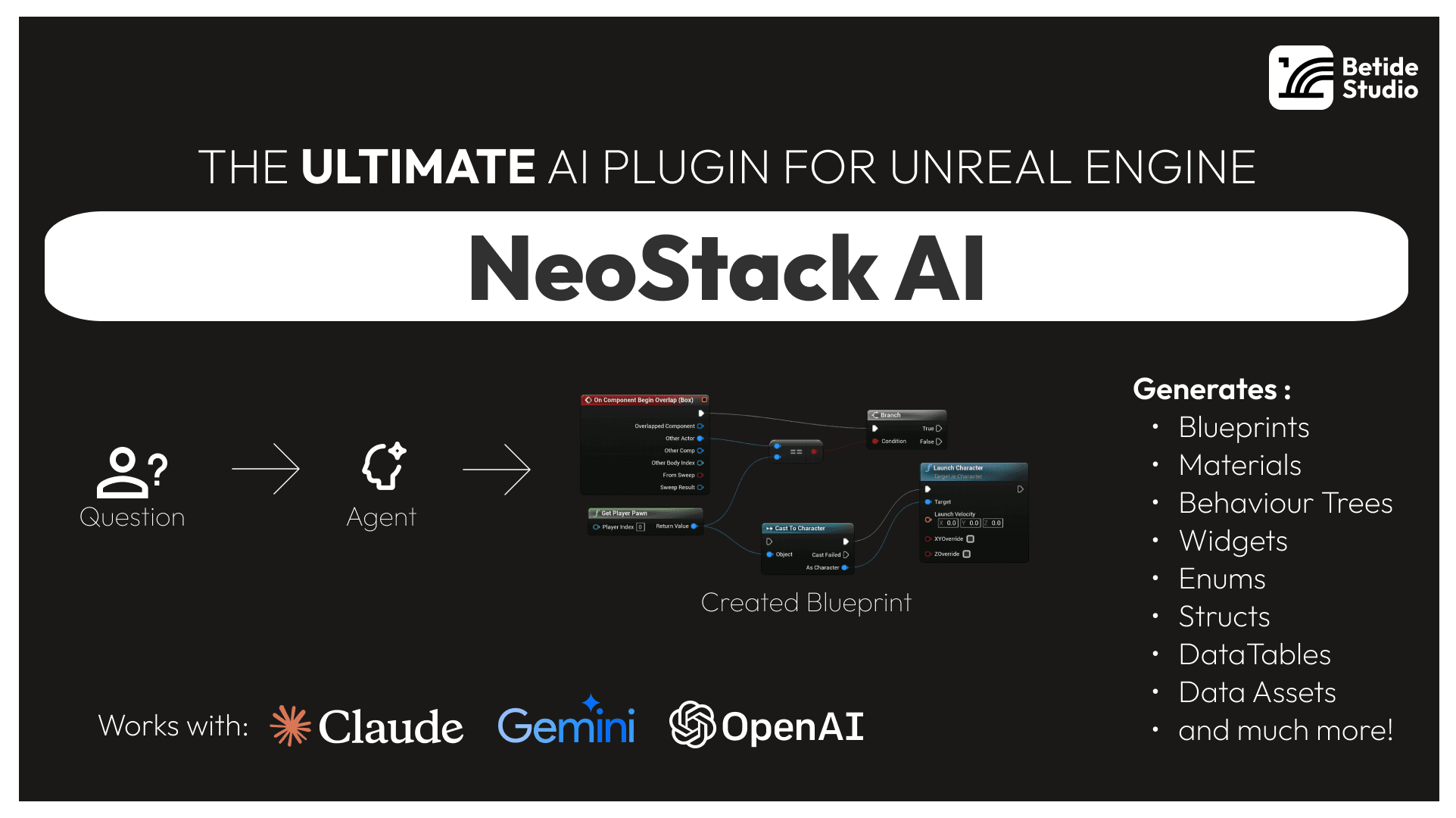
We've been working on this for a while, and we're excited to finally ship it. NeoStack AI lets you connect AI coding agents — Claude Code, Gemini CLI, Codex, Cursor, or any ACP-compatible agent — directly to the Unreal Editor. Not as a chat sidebar that generates text. As a real integration where the AI can actually do things in your editor.
What can it do?
27+ built-in tools and 36+ asset type readers. The AI can create and modify Blueprints, wire up Material graphs, build Niagara particle systems, author Sequencer cinematics, set up IK Rigs and Retargeters, configure Pose Search databases, edit Behavior Trees and State Trees, create Widget Blueprints, edit Data Tables — and more.
Here's the full breakdown:
- Blueprints — Variables, components, functions, events, macros, interfaces, SCS nodes. Full graph editing with node creation, pin connections, and property setting.
- Animation Blueprints — State machines, transitions, conduits, AnimGraph subgraphs, Linked Anim Layers.
- Materials — Material expressions, parameter nodes, wiring, Material Functions.
- Niagara VFX — Emitters, modules, renderers, parameters, dynamic inputs, custom HLSL.
- Level Sequencer — Bindings, tracks, keyframes, camera cuts, audio, bulk transforms.
- IK Rigs & Retargeters — Solvers, goals, bone settings, retarget chains, FK/IK chain configuration.
- Pose Search / Motion Matching — Schemas, feature channels, databases, normalization sets.
- Behavior Trees & State Trees — Full AI logic authoring with tasks, decorators, evaluators, transitions.
- Widget Blueprints — UMG widgets, layout panels, property configuration, event bindings.
- Data Structures — Structs, Enums, DataTables, Data Assets, Chooser Tables with bulk JSON import.
- PCG & MetaSounds — Procedural content generation and audio synthesis graphs.
- Python Scripting — Execute Python scripts directly in the editor for automation.
- AI Generation — Text-to-image (textures) and text-to-3D (meshes) imported as real Unreal assets.
- Viewport & Asset Screenshots — The AI can see what's in your viewport and capture rendered mesh previews.
How it works
Open the Agent Chat panel from Windows > Agent Chat. Pick your agent, connect, and start prompting. The AI reads your project, calls the right tools, and everything happens live in the editor with full undo support.
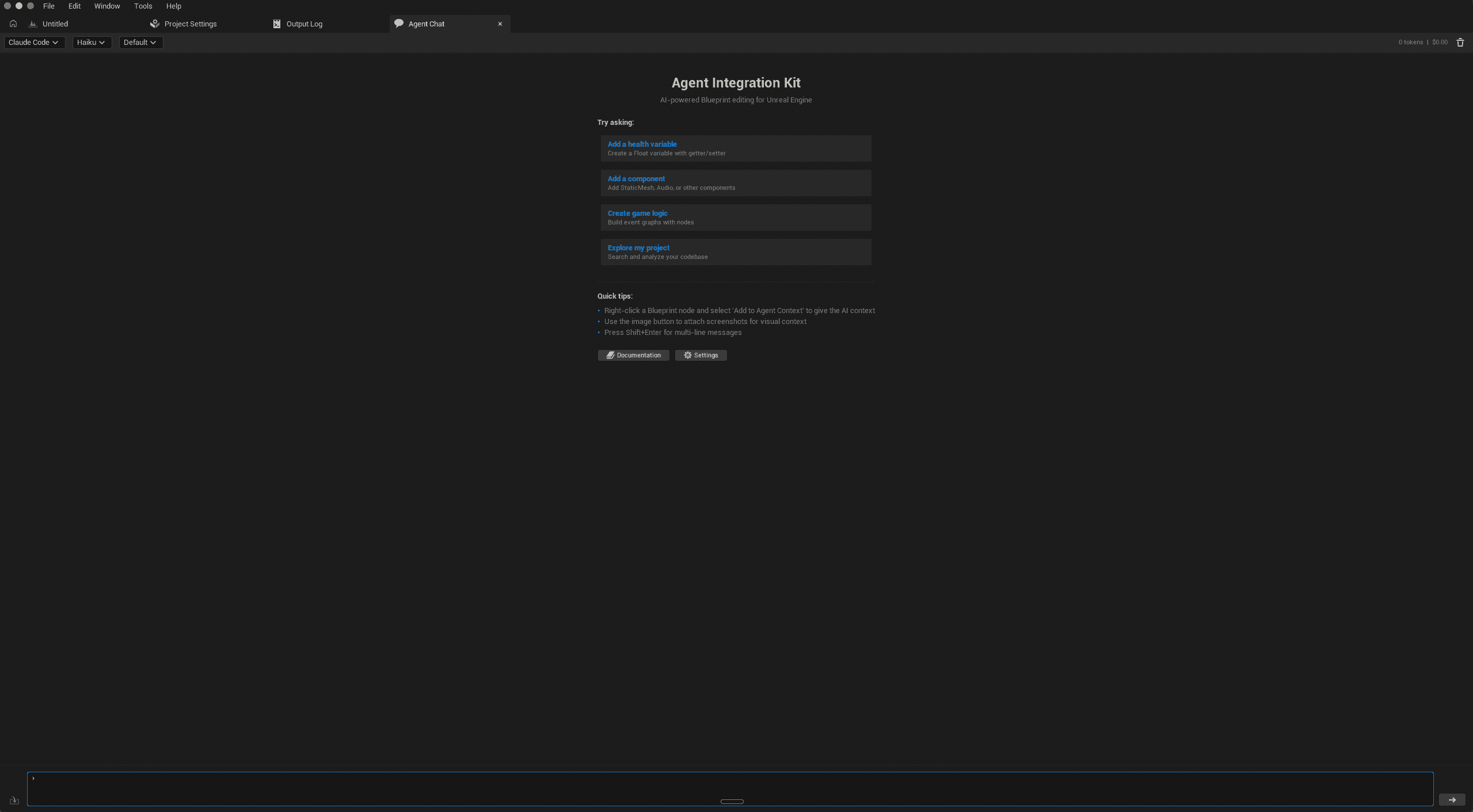
You can attach context with @ mentions — type @BP_ to search Blueprints, @M_ for Materials, or just start typing any asset name. Right-click a Blueprint node and select "Attach to Agent Prompt" for even more targeted context.
Use your own AI subscriptions
NeoStack is a one-time purchase. There are no monthly credits, no token middlemen, no expiring balances. You bring your own AI subscriptions — your Claude Code plan, your Gemini CLI, your Codex access — and NeoStack connects them to the editor.
There's also a built-in OpenRouter client if you want to use any model directly without an external agent process.
Supported agents
- Claude Code — via ACP
- Gemini CLI — via ACP
- Codex — via ACP
- Cursor — via ACP
- GitHub Copilot — via ACP
- OpenRouter — built-in native client, any model
- Any ACP-compatible agent — or connect via the MCP server
Engine support
Works on Unreal Engine 5.5, 5.6, and 5.7. macOS and Windows.
Get it
NeoStack AI is available now. One-time purchase, no subscription. Buy directly from us with a 5% discount.